Have you ever tried to draw a straight line in Excel only to get frustrated?
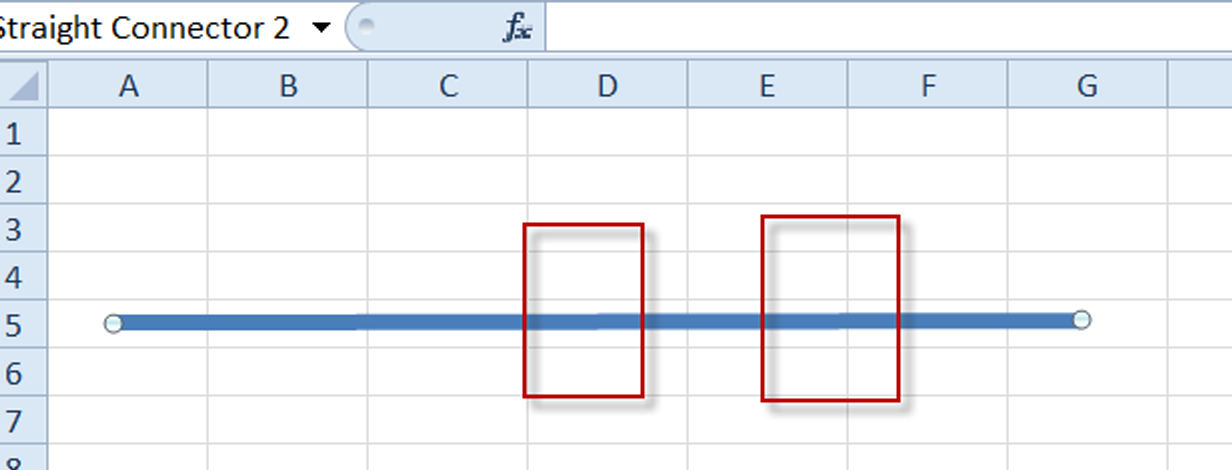
It can be so Frustrating 🙂 to be off by one or 2 pixels.

Well Excel has the solution and you may not know the extremely easy Trick.
Here is the Tip:
Hold down the Shift Key while you draw the line with your mouse.
As you hold the Shift Key down, you will be able to draw 3 types of lines:
- Vertical
- Horizontal
- Diagonal

Video Tutorial
Check out the quick video demonstration here:
This embedded resource is unavailable in the restored edition.
Hope this helps. What is your favorite Tip or Trick in Excel?
Steve=True


Reader discussion
Comments preserved from the original page. New comments are closed.
Reader
May 4, 2017 At 8:49 am
Thanks for this tip! So easy and yet so useful!
My inability to not being able to make horizontal and vertical lines in Excel has been bugging me for years….
Reader
May 4, 2017 At 10:42 pm
Thanks for the great comment. It was a main problem I struggled with too. So glad to help!
Reader
May 5, 2021 At 9:16 pm
Doesn’t seem to work on a Mac!
Reader
May 24, 2021 At 8:16 am
That is a bummer. I wonder if it is different key strokes or just not an option? I don’t own a Mac, so can’t test it for you. Sorry.
Does this tutorial work for you? https://www.exceldashboardtemplates.com/how-to-draw-a-vertical-and-horizontal-line-that-intersect-in-an-excel-chart/